Market Assistant: choose a bet and compare the market
A visual guide to markets, probabilities, bookmaker prices and history in version 1.7.
The Assistant answers one question: what does the market say about the bet you selected? These are real Albacete — Eibar interface captures, showing archived pre-match observations after kick-off. They illustrate the controls; the quoted prices are historical examples, not live offers. Observation times inside the screenshots are UTC.
1. Choose a match and a specific bet
Open a match from Football. Read its statistics and Match Trends to identify the outcome you want to examine, then open the Market Assessment tab (Market on mobile). Check the match name, data age and coverage before comparing numbers.
The Assistant evaluates the selected market, line and outcome. It does not select a match for you or predict the final score.
2. Goals: choose the line and Over or Under
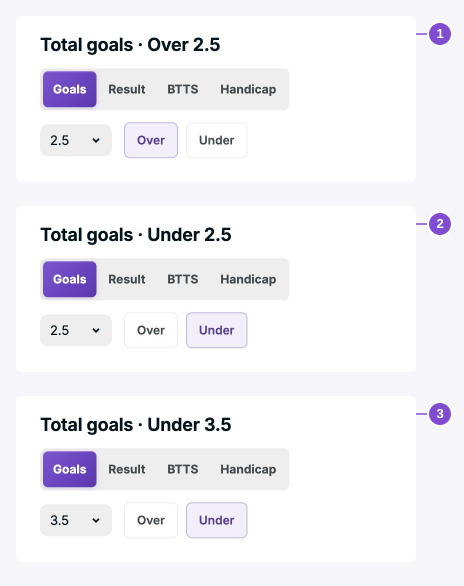
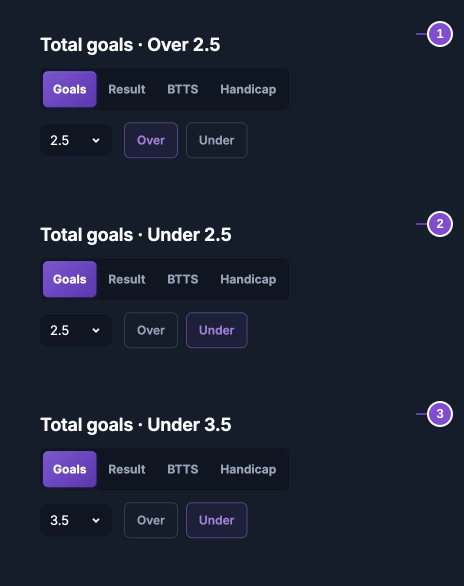
Over 2.5 wins with at least three goals. Under 2.5 wins with zero, one or two. Changing the line changes the bet: Under 3.5 includes a match with three goals.
Use Goals, the line selector and the side buttons. The selected bet heading confirms exactly what the numbers below refer to. An absent line must not be replaced with a different one.
3. Result: select a team or the draw
Choose the home team, Draw or the away team. Each choice updates the estimates, best price and movement for that result. A high probability for one team does not make the other team’s quoted price a comparable offer.
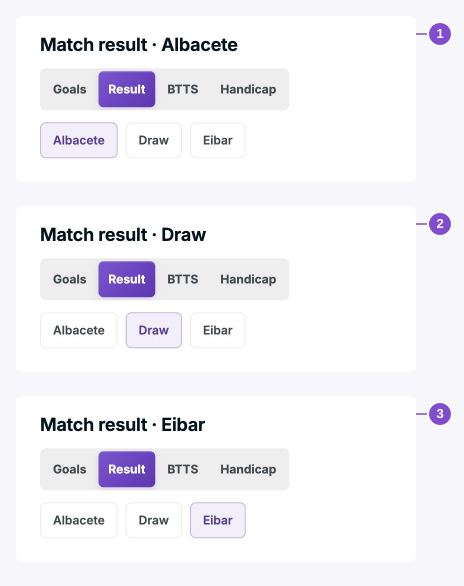
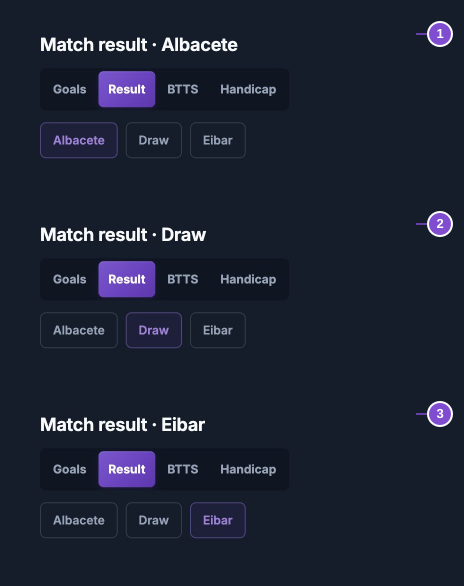
4. BTTS and Handicap: check the exact outcome
BTTS Yes means both teams score; No means at least one does not. For Handicap, choose the team and read the signed line in the heading. A selected team at −1.5 needs to win by two or more goals; +1.5 allows a win, draw or one-goal defeat.
These examples show −1.5 for each selected team. Coverage can differ: a source estimate may exist without a named bookmaker price. Do not substitute another line’s odds.
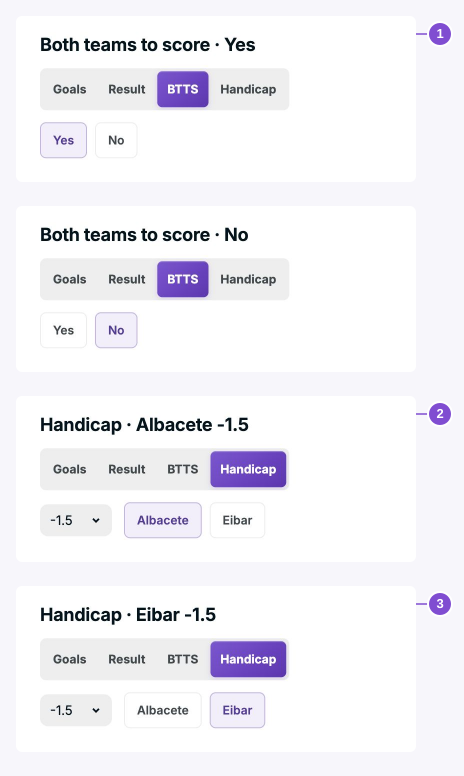
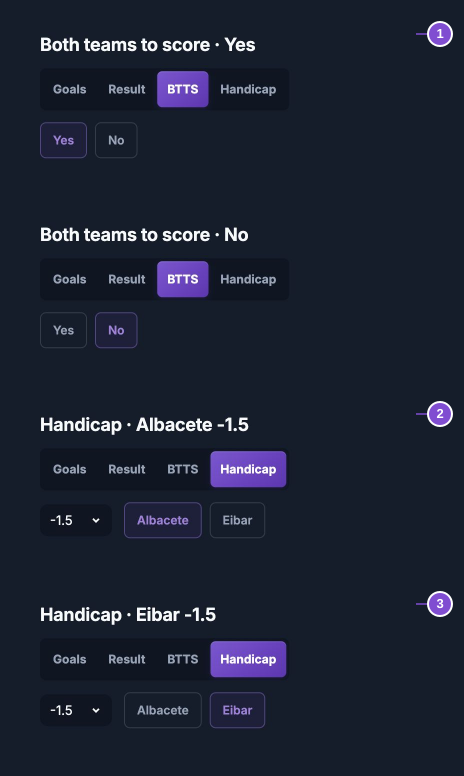
5. Market estimate: what do the percentages mean?
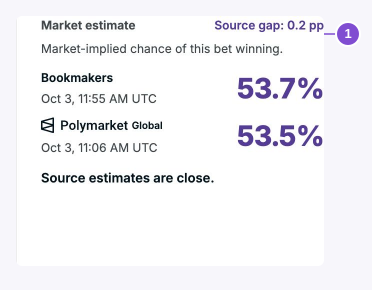
The percentages are market-implied probabilities of your selected bet winning, not the percentage of money staked or a model forecast. Bookmaker estimates remove margin; prediction markets and exchanges provide their own market estimates.
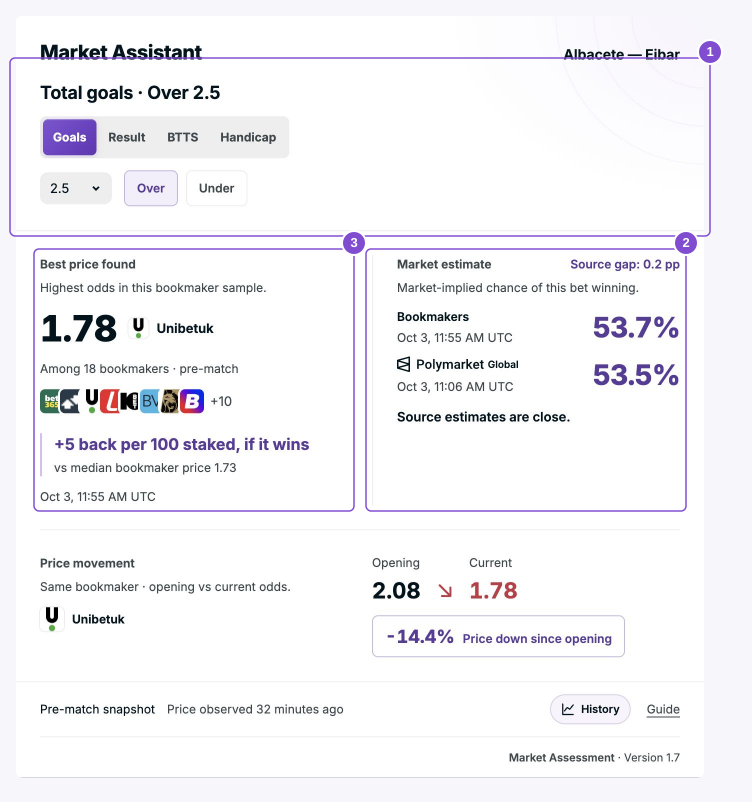
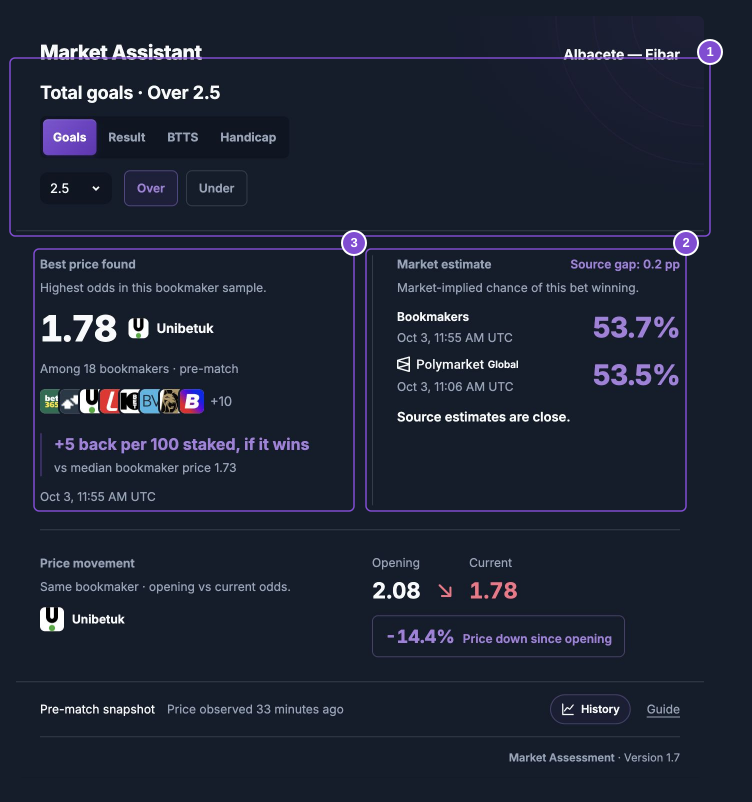
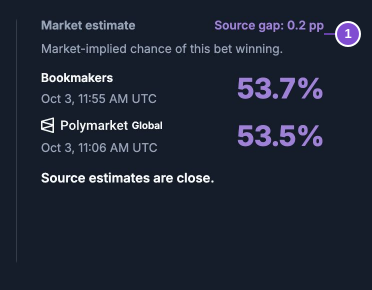
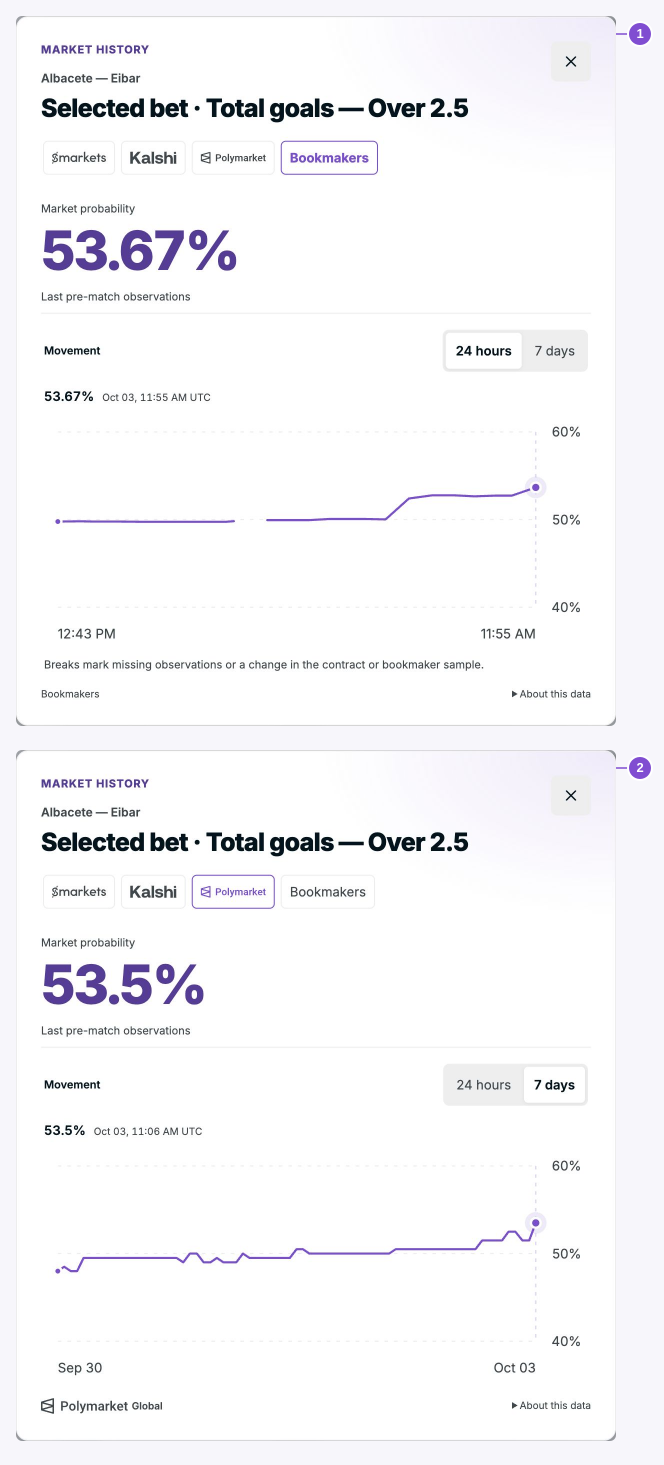
Here, Over 2.5 is rated 53.5% by Polymarket Global and 53.7% by bookmakers: a gap of 0.2 percentage points. The card calls gaps up to 3 points close. Above that, it names the most different sources and the direction. Agreement does not guarantee a win; disagreement does not establish an edge.
6. Best price found: where is the practical benefit?
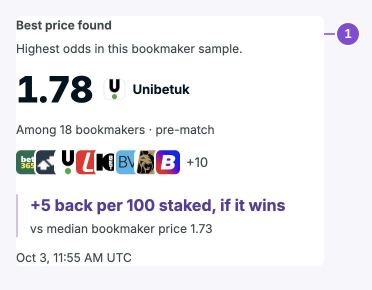
For the same bet, a higher decimal coefficient pays more if it wins. Best price found is the highest observed price among the named bookmakers in the current sample. It is not a claim to have searched every bookmaker.
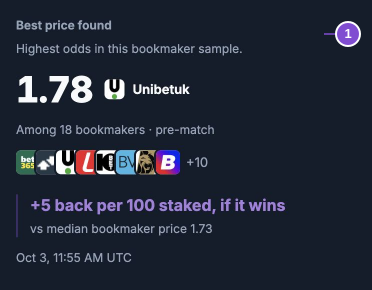
In this capture, Unibetuk offers 1.78 among 18 bookmakers; the sample median is 1.73. At a stake of 100, the gross return on a win is 178 instead of 173: 5 more returned, before any applicable deductions. This is a conditional payout comparison, not expected profit.
The logo row previews bookmakers; +N reveals the remaining names. Check the observation time and verify the price at the bookmaker before using it.
7. Price movement: opening versus current
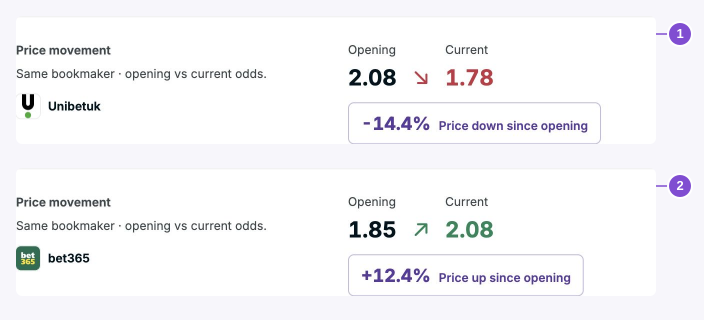
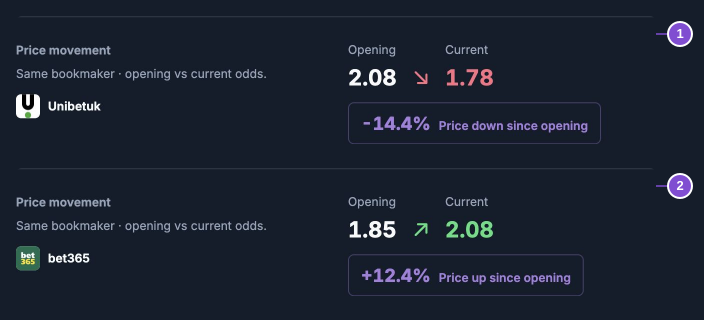
Each movement compares the same bet at the same bookmaker. Red means odds fell; green means odds rose. With no change, the arrow is horizontal and purple, and Current keeps its normal text colour.
For Over 2.5, Unibetuk moved 2.08 → 1.78 (−14.4%). For Under 2.5, bet365 moved 1.85 → 2.08 (+12.4%). These are separate bets and bookmakers; do not join them into one trend. The percentage is the relative change in odds, not a change in probability points. Missing opening data stays missing.
8. History: inspect the source and time window
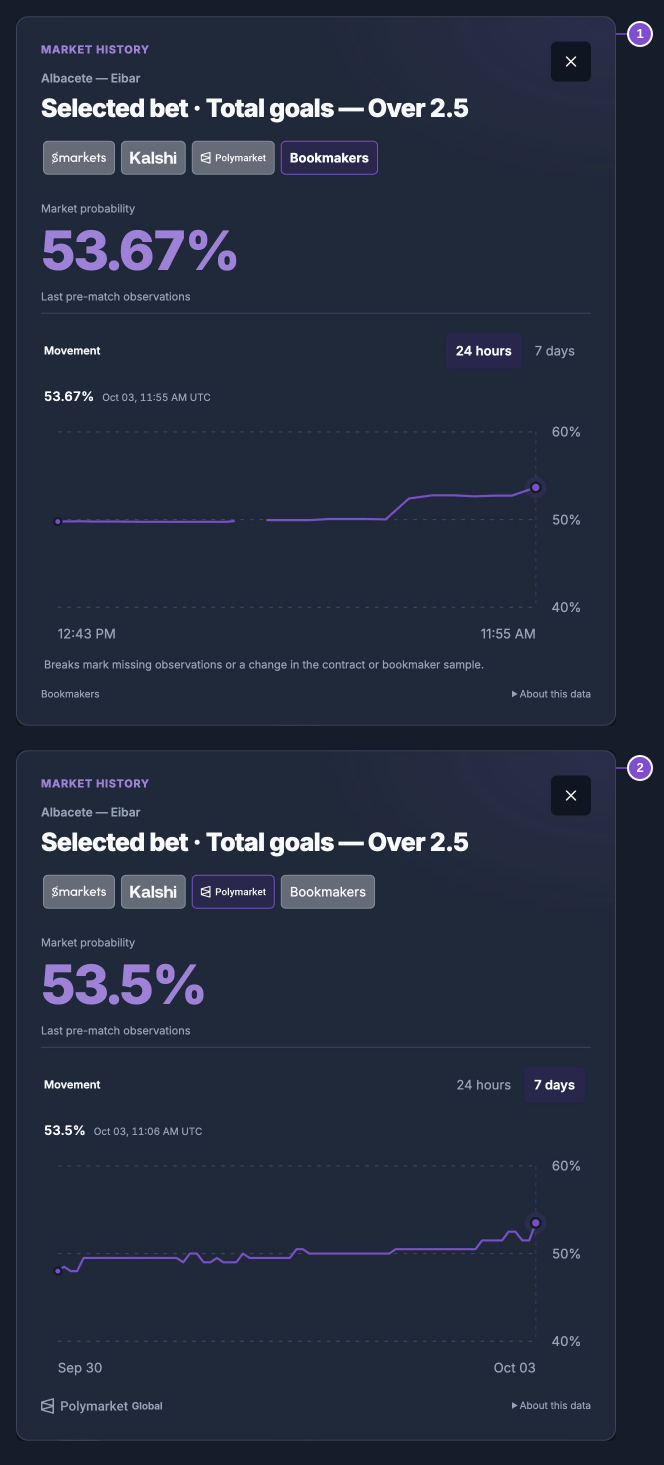
Click History, choose a source and switch between 24 hours and 7 days. History tracks the selected outcome’s market probability; it is not the individual bookmaker’s decimal-odds history.
With uninterrupted observations, a line chart shows the movement. With gaps or sample changes, read the dated observations instead; the change summary covers only the latest uninterrupted interval. Read the source and observation time alongside the values. Compare like-for-like contracts and samples. Gaps, changed bookmaker samples and different contracts must not become one continuous movement. Sparse observations cannot show a reliable trend.
9. Use the Assistant before placing your bet
- Use match statistics and trends to select the outcome you want to assess.
- Confirm the exact market, line and side; inspect coverage and freshness.
- Read the source comparison and history. A gap or falling price alone is not a reason to bet.
- If you decide to place that bet, compare the named bookmaker price with the actual available offer and its settlement rules.
The bet is placed at the bookmaker, not inside the Assistant. A market estimate does not establish positive expected value. The card does not prescribe a stake or recommend “bet / do not bet”.
When the card cannot support a comparison
One source: an estimate is available, but no cross-source comparison. No coverage: no data for that exact selection. Opening unavailable: no opening-to-current comparison. Old data: the displayed quote may no longer be available. Pre-match snapshot: after kick-off, the card shows the last stored pre-match observation, not a live price.
Protected live data requires the access described by the sign-in screen. Article screenshots are historical illustrations, not a way to obtain current protected quotes. Responsible gambling.
